It was such a beautiful day on Sunday I went to practise shooting some Black and White photography for my first theme People and Portraits. We went to Lichfield as the old part and around the cathedral is really beautiful with some really old buildings and streets. I charged my battery so I had full power and took a spare memory card. I took my Nikon D90 camera with 18-105mm F3.5 - 5.6 ED VR lens and my Nikkor 105mm F2.8 AF-S VR lens. I did not take my tripod as this was only a practise to experiment with pattens and textures and to practise seeing the world with monochrome vision.
I took quite a few images but with the bright sunlight, not really being able to view the LCD because of the sunlight and constantly having to alter the camera settings I did not shoot anything that spectacular whilst viewing the images in colour. I then began to change the images to Black and White in photoshop and adding a few filters here and there and then I realised that some of them are not too bad. This is why I love Black and White photography so much because changing an image to Black and White can transform a not particularly good image into something else.
 |
| 1/320 F5.6 ISO 250 |
This Image has been shot with my Nikkor Micro Lens 105mm and the F5.6 aperture has allowed the narrow depth of field and blurred out the trees in the background forming a really nice patten and texture. This is a natural image as he was climbing a climbing frame at the time. There is not much contrast within the image but it still has quite a nice tonal range with the hat against the patten of the trees. A dark hooded top could have made for a little better contrast in the image. The high shutter speed was needed with the large aperture for exposure.
 |
| 1/320 F5.6 ISO 250 |
This image was shot with my Nikkor Micro lens and the F5.6 aperture has created a narrow depth of field and blurred out the trees in the background but the framing of the climbing frame has remained in focus. I have turned this image to Black and White in photoshop and then used a green filter which improved the image slightly and evened out the skin tone. I have also cropped the image in photoshop slightly. The fast shutter speed was needed for the large aperture for exposure.
 |
| 1/640 F5.6 ISO250 |
I took this image to show how pattens in black and white can create very nice tone and texture. When shooting black and white you have to rely on pattens and textures as there is no colour. Shot with my macro lens the 640 shutter speed was needed for exposure. I like the way water looks in black and white when it is moving like where the boot is in the water it creates a really nice patten which is more prominent in black and white. Also shadows are a good thing to look for whilst shooting black and white as these also add tone to the image.
 |
| 1/640 F5.6 ISO 250 |
I have used a green filter over this image of the signpost which turned the flowers white adding a really nice contrast which was not there before adding the green filter. The large aperture has allowed for a narrow depth of field and blurred out the background against the signpost. This image shows the compositional aspect of balance and the rule of thirds. The image has a nice tonal range with the flowers and the signpost
 |
| 1/640 F5 ISO 250 |
This image was shot with my Nikkor Micro lens. Shot with a F5 aperture this has allowed for a narrow depth of field blurring out the cathedral in the background. I like the patten and texture the cathedral has created in the background. There is a shadow cast across the face because of the cap and I should have asked him to remove his cap to see the difference in the images. The sun was very bright and the 1/640 shutter speed was needed for exposure. The tonal range is quite balanced in this image and there is not much contrast. Darker clothing would have created more contrast and together with the busy background this would have created a very different image.
 |
| 1/640 F6.3 ISO 250 |
For this image I have used my 18-105mm lens. The steps show great form and show a three dimensional apperance in the two dimentional picture. The railings show the compositional aspect of lines together with the shadows, steps and the window frames and brickwork which all guide your eyes around the picture. The sunlight has allowed a nice tonal range around the image. There is also lots of pattern and texture within the image.
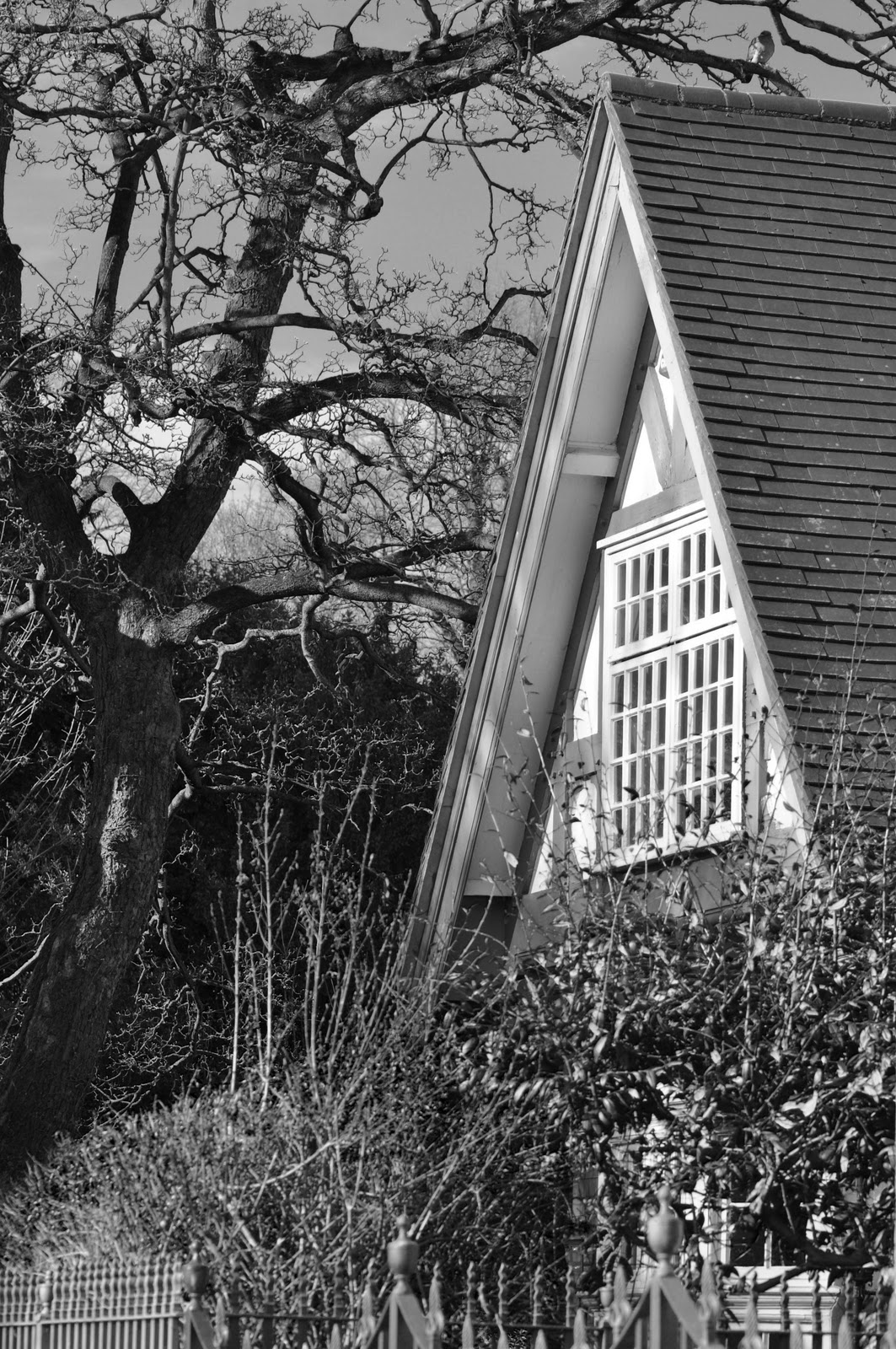
The following images do not include people which are the reason for this practise but I have included them because I like them and because the cottage shows how when there is a lot of detail in a black and white photography this can add patten, texture and a good tonal range in the image.
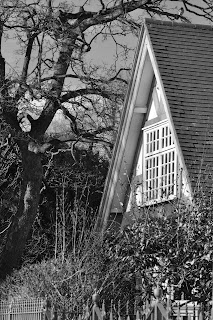 |
| 1/400 F5.6 ISO 250 |
 |
| 1/640 F5.6 ISO 250 |
Evaluation
To evaluate the exercise it did not go as well as I wanted. Although these are really nice images and I do like them I still need to practise more with the camera controls. I did not change the ISO throughout the whole exercise the simple reason being I keep forgetting. I have researched quite a lot on black and white photography and I need to change the ISO to see the difference as many people say to shoot with the ISO set high to create noise and produce grain within the image. But still ,I keep forgetting about the ISO. I will do another practise and remember to set the ISO on high and also I need to play with the shutter and aperture controls a little more to see what can be created once changed to black and white.
I have just experimented using a high ISO to create the noise and get the grainy effect but I do not like the results and think if required this is something better left to post production. I think black and white images look better when shot with a low ISO.